ROBOTICA Studio 1.1 - STEP into the PREFABS
Tiago Carvalho
Mar 17, 2026
ROBOTICA Studio goes 1.1! 🚀
As we continue evolving ROBOTICA Studio, we’re excited to release version 1.1, introducing two improvements that significantly boost the platform’s usability and day-to-day workflow for automation concept development.
This release brings:
- Prefabs
- A powerful file import system
Introducing prefabs
We’re introducing the concept of a Prefab: a reusable, modular automation building block that you can create once and use across projects.
With prefabs, you can:
- Build customized automation components in isolated projects
- Export them as Prefabs
- Import them into a “main” integration project to connect everything together
A Prefab can be, for example, a conveyor module designed in its own project, then reused inside a more complex automation cell.
This makes it faster to iterate, easier to standardize internal libraries, and simpler to scale complex simulations without rebuilding the same modules repeatedly.
Important note: prefabs store the entity tree structure and the components attached to it (e.g., articulations), so your module remains functional and consistent when reused, but the programs you design in that project will not be stored in the prefab file.
Optimized file import system
We updated the import system to better match what teams need today. ROBOTICA Studio now supports importing:
- GlTF / GLB files
- STEP files
- PREFAB files
Step import for wider compatibility
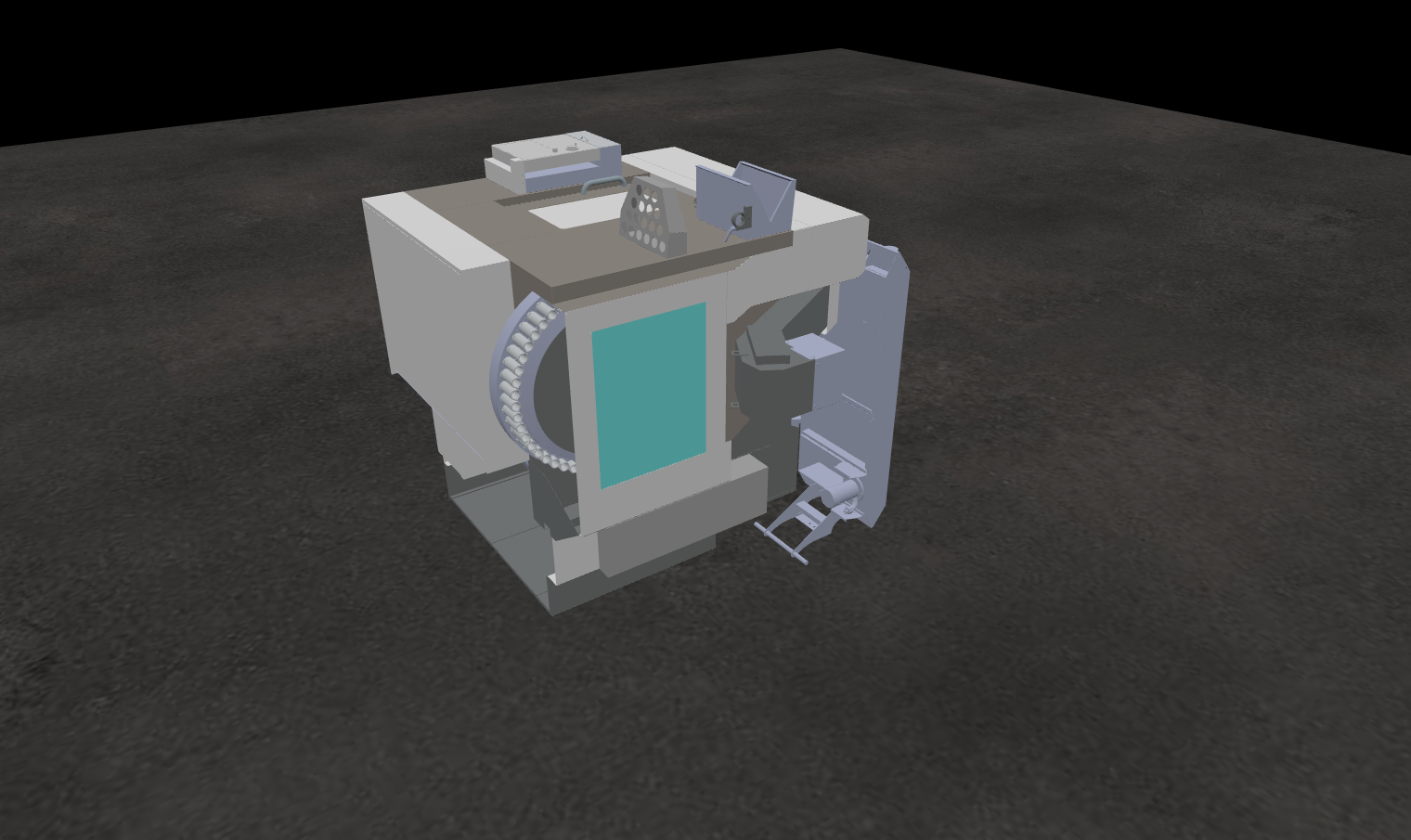
ROBOTICA Studio now accepts STEP (up to 100MB), massively boosting compatibility with the CAD tools teams already use. This way, you can move faster from design to simulation, from idea to proposal-ready concept.
It’s the fastest way we’ve built to go from mechanical design tools to simulation-ready models.
GLTF/GLB optimization
We also added a mesh simplification slider so you can optimize glTF models directly during import—ideal for heavy assets that can affect performance or when you simply don’t need all that detail.
Get started with ROBOTICA Studio
You can easily get started with ROBOTICA Studio version 1.1 at:
- Try ROBOTICA Studio: https://studio.augmented-labs.com
- Explore the documentation: https://docs.augmented-labs.com
- Contact our team: contact@augmented-labs.com