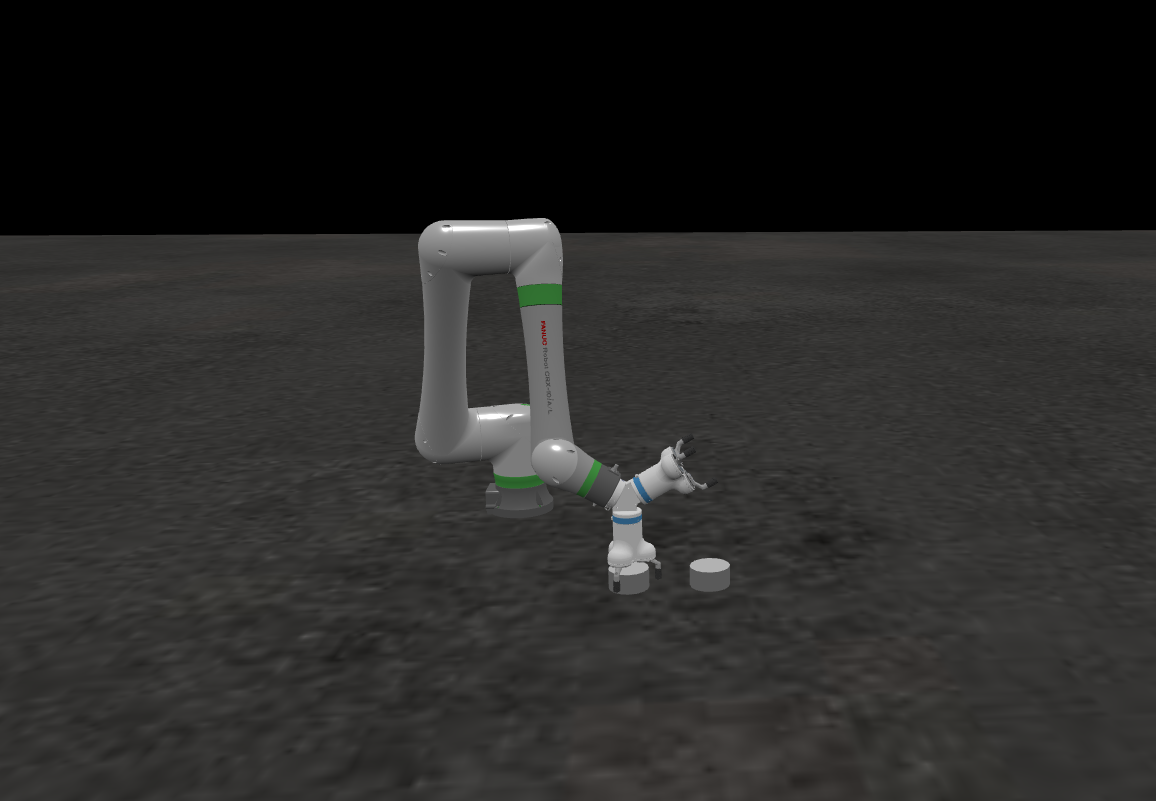
ROBOTICA Studio 1.2 - Speed into multiple TCPs
Tiago Carvalho
Mar 24, 2026
ROBOTICA Studio goes 1.2! 🚀
This release brings two big news:
- New speed setting instructions
- Multiple Tool Center Points (TCPs)
- Minor improvements to determinism
- Minor improvements to the move joints instruction
New Speed Commands
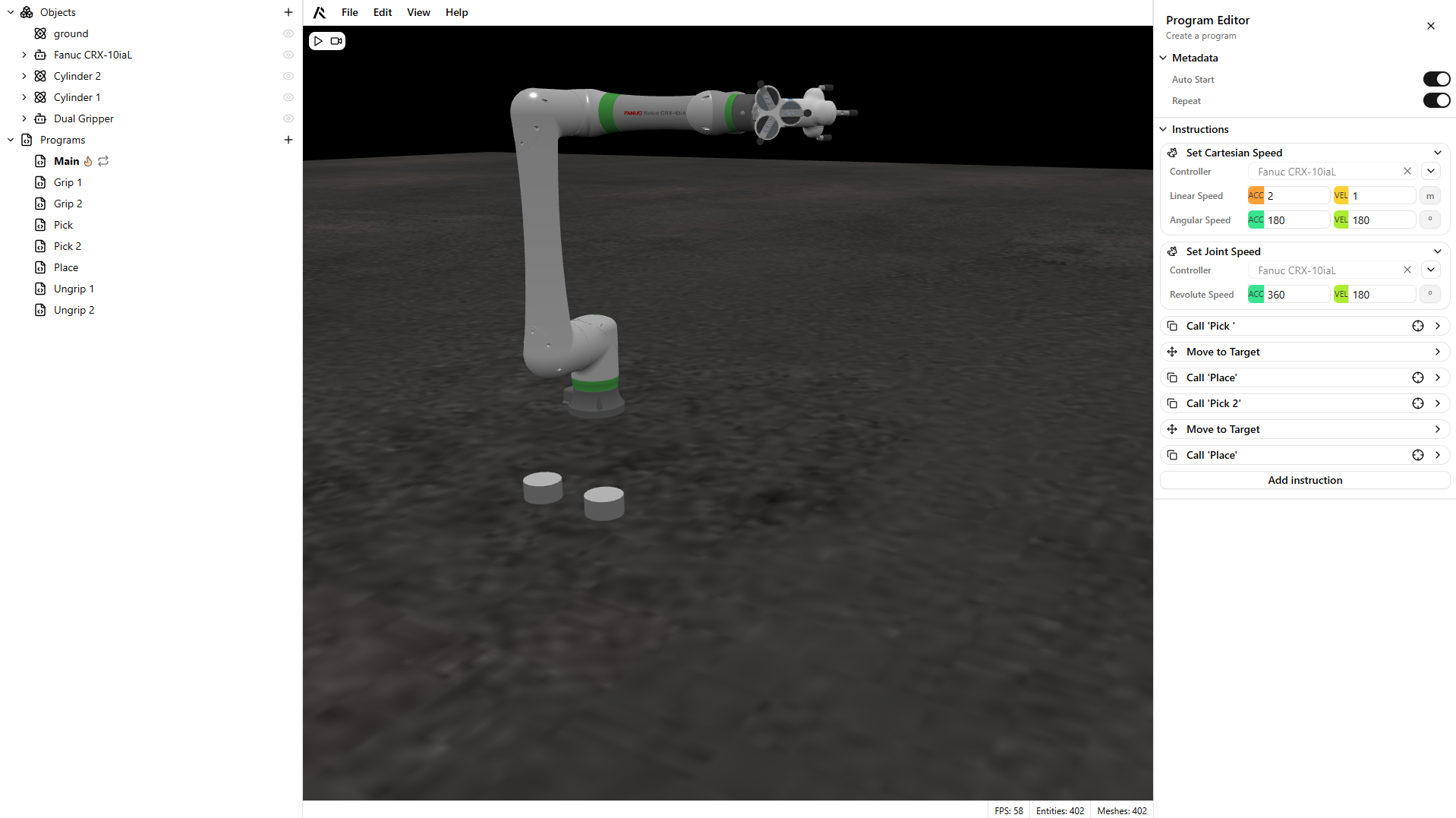
Now you can set the speed of your robot in two different spaces: Cartesian space and Joint space.
As we all know, robots operate in two different spaces: joint space and cartesian space.
- Cartesian space is the X, Y and Z world in which the robot operates.
- Joint space is the position of the joints in which a robot operates — whether it’s a revolute robot with revolute joints, or a prismatic robot, such as a cartesian robot.
That’s why we’re bringing two dedicated commands for you to set up your robot speed. These will be added to the instruction list when you create your programs.
These speeds affect how your robot moves in space:
- If you perform a Move Joints command (or any joint-space movement), the velocity and acceleration you set using Set Joint Speed will be used.
- If you perform a Move to Target instruction in Cartesian space, the Set Cartesian Speed parameters will be used.
Be sure these commands run before performing any movement command, as the speed setting will only be updated after the commands run.
Multiple Tool Center Points
We are bringing Multiple Tool Center Point support.
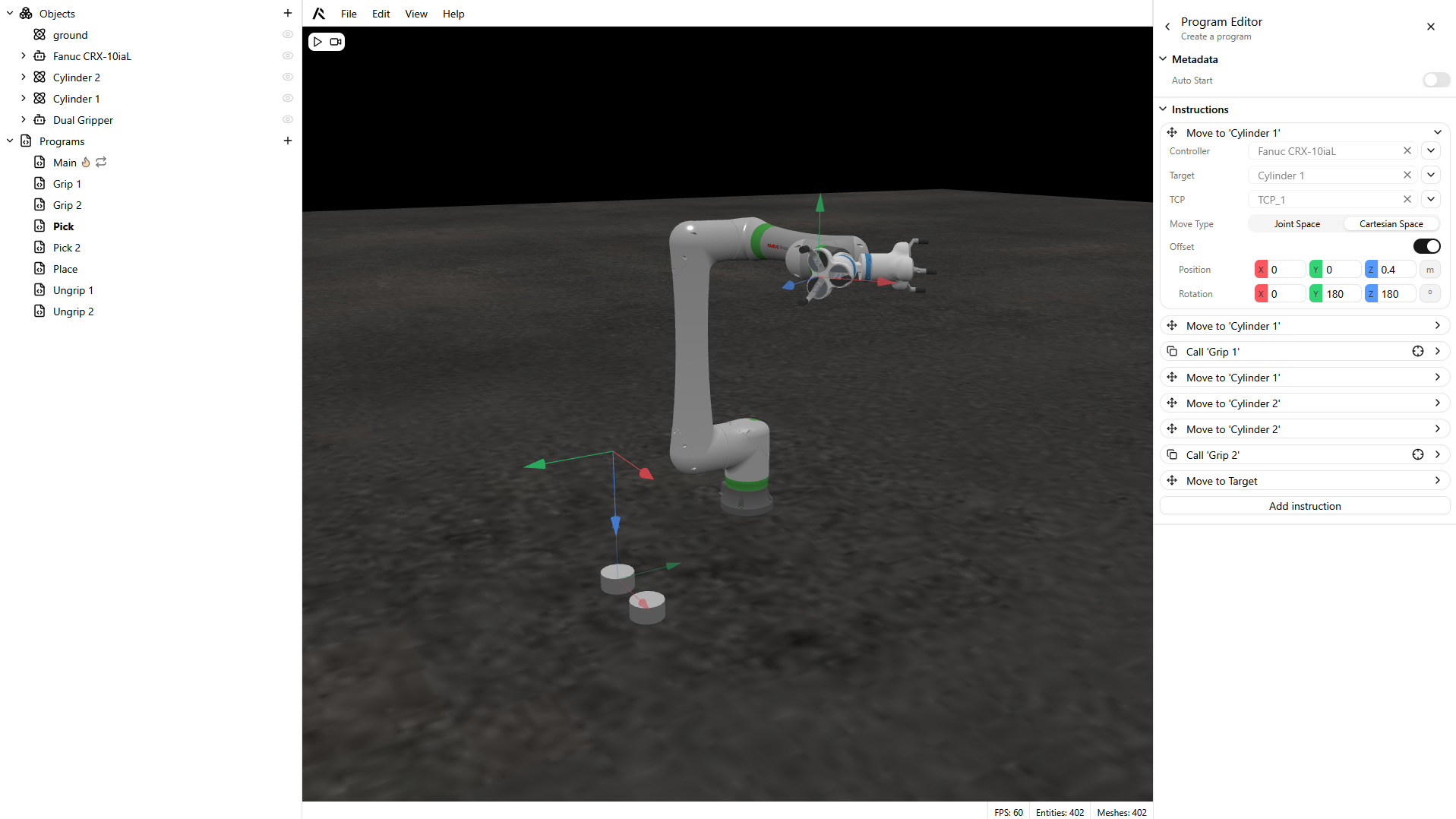
Now that Multiple Tool Center Points are supported you can define different TCPs for your articulated bodies. This is useful when you have, for example, a tool that can perform different operations, like a dual pick-and-place gripper.
We designed this feature to be as intuitive as possible. To add different TCPs, you can simply create child objects of your last articulation, and they will appear listed in the Move To Target instruction, where we added a new parameter called TCP.
Minor improvements to the move joints instruction
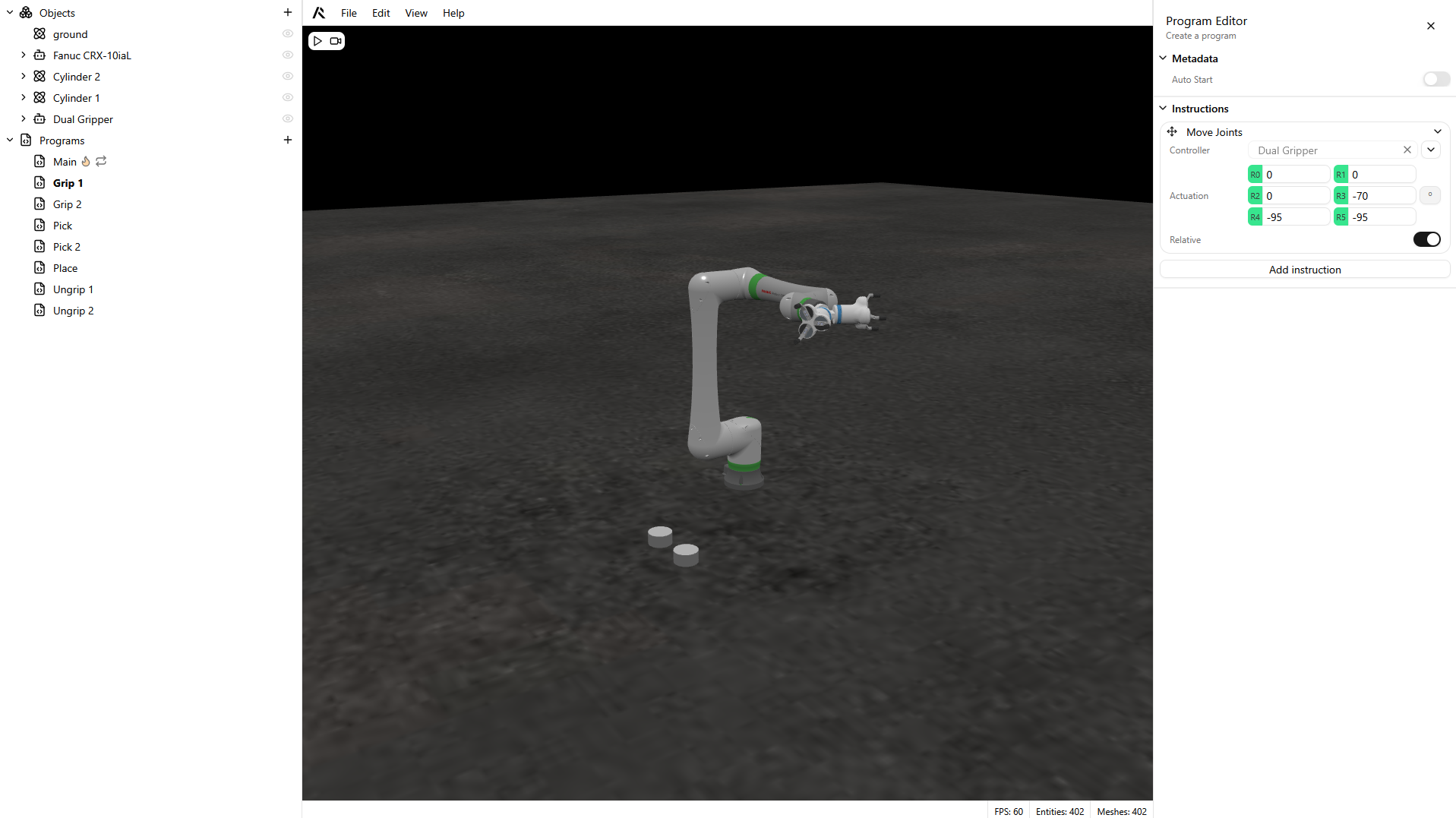
For better usability in Move Joints, we added a Relative parameter. So now you can move to an absolute joint target or to a relative joint target.
Minor improvements to determinism
ROBOTICA Studio is physics-based — and that’s exactly why we keep pushing simulation consistency further. In this version we introduced additional improvements so that, given the same setup and inputs, you get more repeatable results run after run.
Get started with ROBOTICA Studio
You can easily get started with ROBOTICA Studio version 1.2 at:
- Try ROBOTICA Studio: https://studio.augmented-labs.com
- Explore the documentation: https://docs.augmented-labs.com
- Contact our team: contact@augmented-labs.com